
Customers can’t visualize it
Static images can’t show every possible configuration.
3D PRODUCT CONFIGURATION FOR SHOPIFY
Let customers configure and personalize products in real time. Moduvaro keeps their choices, artwork and product logic connected from 3D preview to Shopify order and production.
Shopify App Store and demo destinations coming soon.
CONFIGURE. PERSONALIZE. PRODUCE.
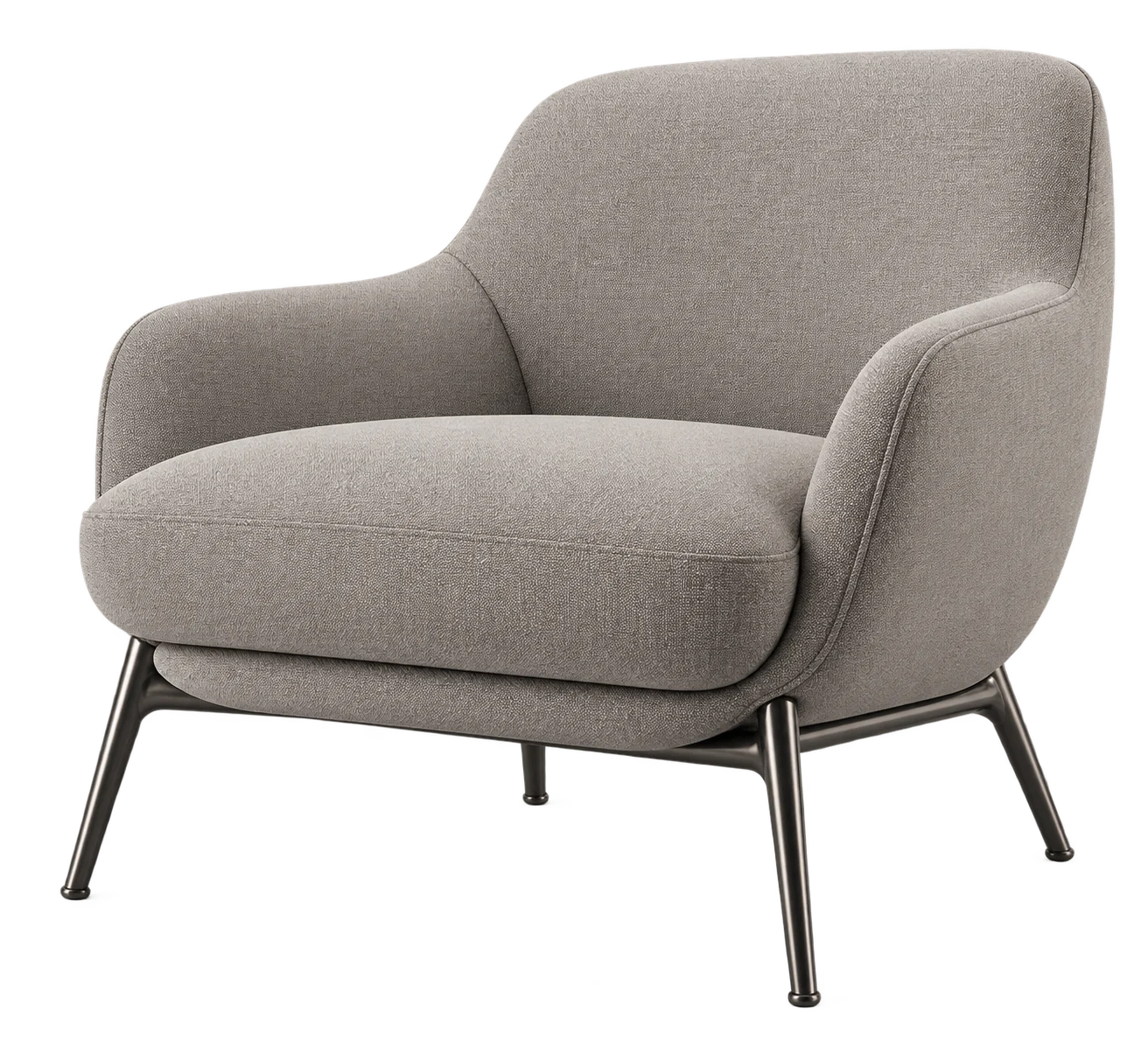
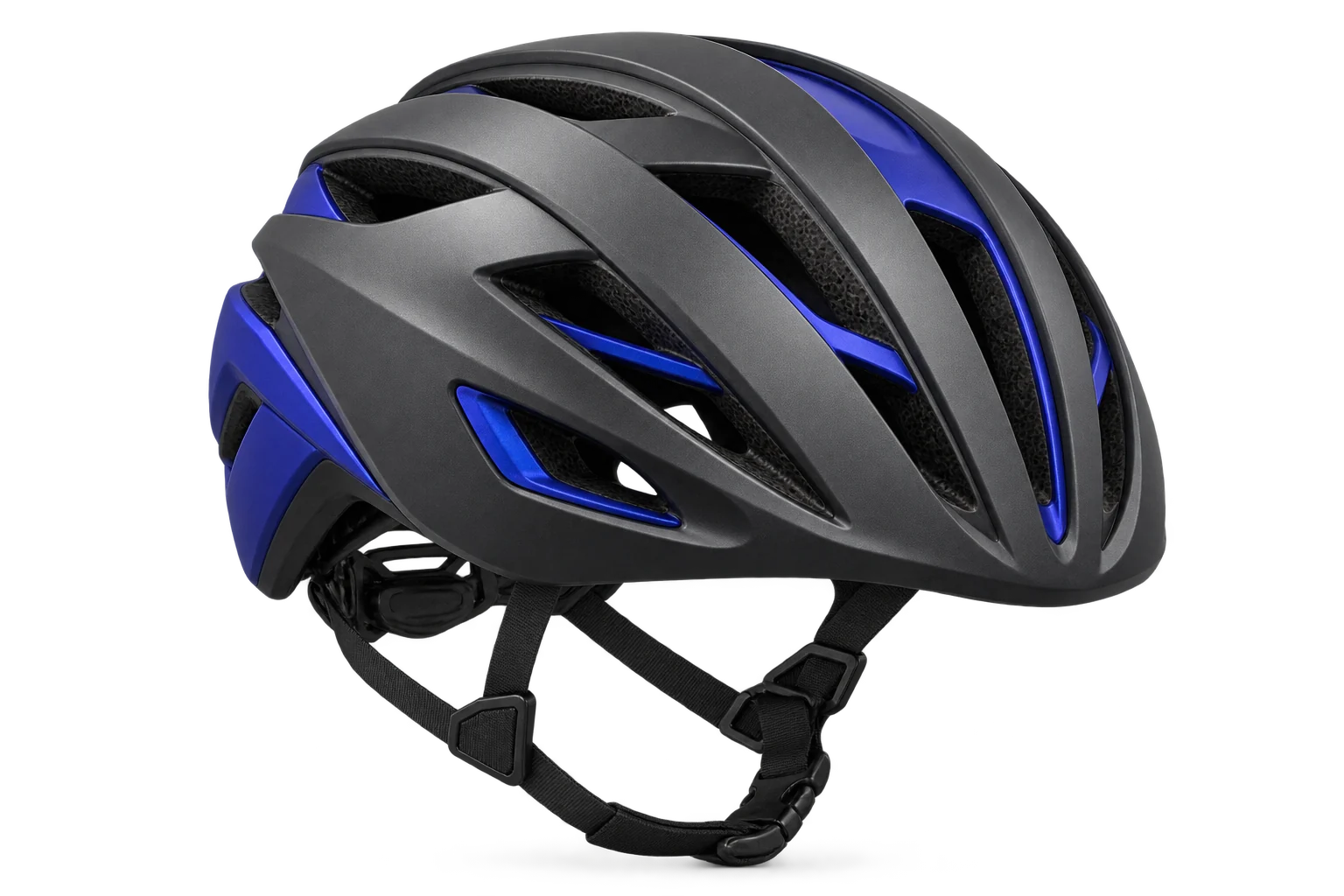 Sports & Equipment
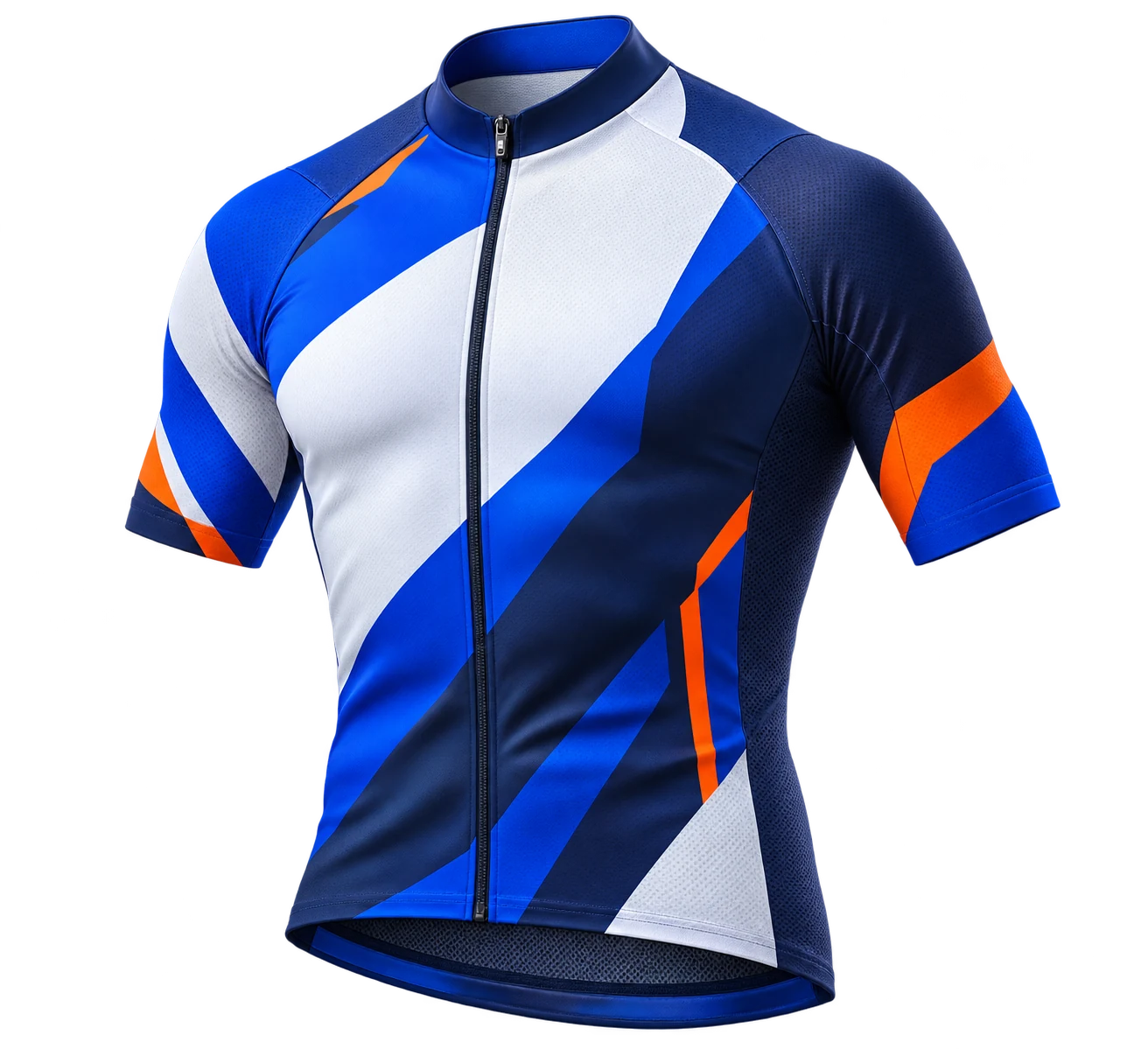 Custom Apparel
CUSTOMER EXPERIENCE
Rotate, explore and personalize the product before ordering.
THE CHALLENGE
Static images can’t show every possible configuration.
Materials, components, variants and personalization can depend on one another.
Artwork, customer selections and order information can end up scattered across different systems.
Moduvaro connects all three.
THE MODUVARO LOGIC
Moduvaro separates what the customer chooses from what the product should do.
One customer choice can coordinate several changes across the product experience.
PERSONALIZATION + CONTROL
Every configurable product is different. Give customers clear choices while keeping your product logic in control.
Change colors, textures and material properties.
Show, hide or change configurable product parts.
Control customizable graphical areas.
Create the choices customers should see.
Allow customer text inside merchant-defined areas.
Allow logos, artwork, photos and other supported imagery inside merchant-defined areas.
CONFIGURE → PERSONALIZE → PRODUCE
Moduvaro is designed to keep customer choices, personalization and product configuration connected with the Shopify order.
Depending on product setup and released capabilities, production outputs may include configuration information, preview images, original customer artwork, production SVG, configured production files and manufacturing instructions.
BUILT AROUND YOUR PRODUCT
Moduvaro gives diverse products a clearer path from choices to finished order.
Names, numbers, graphics and product choices.
↗Materials, finishes and configurable pieces.
↗Components, colors and team identity.
↗Logic that follows how your product is built.
↗Illustrative product examples. Availability depends on each product setup.
SHOPIFY + MODUVARO
Connect your Shopify product, create its customization experience in Moduvaro, and keep the configured result connected through cart and order.
HOW IT WORKS
COMMON QUESTIONS
Explore the basics of 3D setup, personalization and orders.
A 3D product model is needed for a real-time 3D configuration experience. The right preparation depends on your product; contact Moduvaro to discuss the setup.
Moduvaro supports Add Text and Add Image in areas defined by the merchant, subject to product setup and released capabilities.
Yes. Options, Rules and Actions can connect one customer choice to multiple changes, such as materials, graphics, components and the next product view.
The customer experience is designed for responsive storefront use, including mobile devices. Exact behavior depends on the product experience and device.
Moduvaro is designed to keep customer selections and personalization connected to the Shopify order. Available production information and files depend on product setup and released capabilities.
CONFIGURE. PERSONALIZE. PRODUCE.
See how Moduvaro can connect product choices, the order, and the work that follows.